Screen Recorder Video Recorder1.1.24
Publisher Description
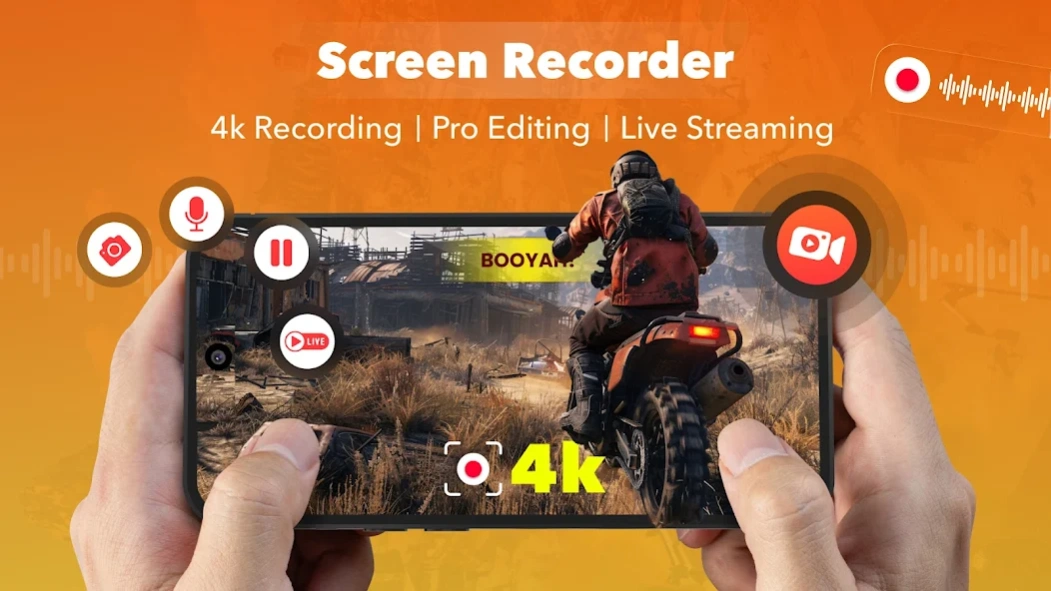
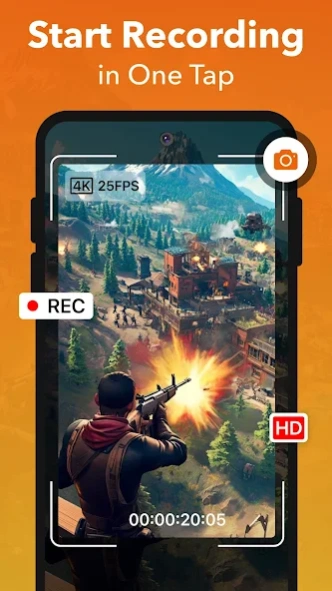
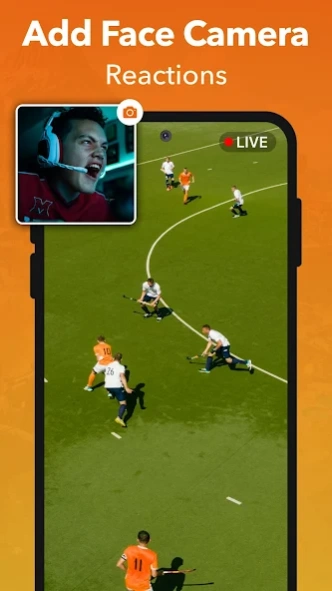
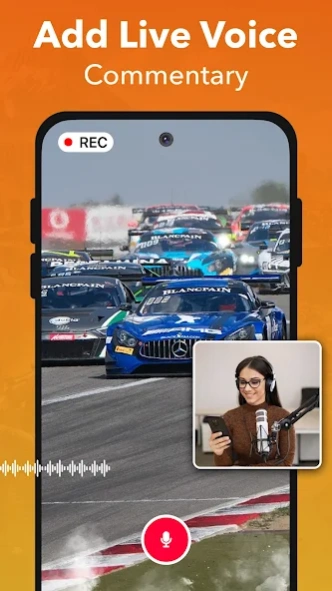
Screen recorder with audio — no watermark Screen Recording video in HD & 4K
No Ads. No Watermark. No Time Limit.
Screen Recorder is a fast, one-tap screen recorder and video recorder that captures your screen in HD, 2K and 4K — with internal audio, facecam and zero ads. Record gameplay, video calls, online classes, tutorials and live streams, then edit them with the built-in AI video editor. No root needed.
Perfect for gamers, creators, teachers, students and anyone who needs a clean, reliable screen recorder with audio.
🎥 Screen Recorder with Audio — HD to 4K
• One tap to start, pause and stop recording
• Record internal audio and microphone sound
• HD, 1080p, 2K and 4K video recording up to 60FPS
• Game recorder mode for lag-free gameplay capture
• Facecam recorder for reactions and commentary
• Save recordings as MP4 or GIF
• Shake your device to stop recording instantly
• No ads, no watermark, no recording time limit
🎬 Video Recorder with Built-in AI Editor
• Trim, cut, merge, crop and split your videos
• Add background music, sound effects and voiceovers
• AI auto subtitles and caption generator
• Slow motion, fast motion and speed control
• Stickers, filters, emojis, text and transitions
• Compress recordings to save storage space
Perfect for YouTube videos, reels, shorts, vlogs and tutorials.
📜 Teleprompter for Screen Recording
• Adjustable scroll speed and font size
• Floating script overlay while you record
Record confidently without memorizing your lines.
🔴 Live Stream Screen Recorder
• Stream your screen to YouTube, Facebook and RTMP
• Internal audio and mic support while streaming
• Add facecam to your live stream
Ideal for gaming, live classes, product demos and tech reviews.
📸 Screenshot Tool and Image Editor
• One-tap and scrolling (long) screenshots
• Draw, blur, highlight and annotate
• Add arrows, text, shapes and emojis
• Auto-stitch multiple screenshots into one image
✅ What you can record
• Gameplay with your voice and facecam
• Video calls and live shows
• Online classes, lectures and presentations
• App tutorials and walkthroughs
• Reaction videos for YouTube and TikTok
⭐ Why choose this Screen Recorder
• 100% free screen recorder with no ads
• No watermark on any recording
• No recording time limit and no root
• Internal audio and mic recording
• Built-in AI video editor and teleprompter
• Smooth, stable and easy for beginners
Download Screen Recorder — the one-tap video recorder with audio, facecam, AI editor and live streaming. Record, edit, stream and screenshot, all in one app.
Privacy Policy: https://screenrecord.posterapplab.com/screenrecoder/privacy-policy
Terms: https://screenrecord.posterapplab.com/screenrecoder/terms-and-conditions
About Screen Recorder Video Recorder
The company that develops Screen Recorder Video Recorder is Poster App LLP. The latest version released by its developer is 1.1.24.
To install Screen Recorder Video Recorder on your Android device, just click the green Continue To App button above to start the installation process. The app is listed on our website since 2026-08-14 and was downloaded 4 times. We have already checked if the download link is safe, however for your own protection we recommend that you scan the downloaded app with your antivirus. Your antivirus may detect the Screen Recorder Video Recorder as malware as malware if the download link to com.poster.screenRecVideo is broken.
How to install Screen Recorder Video Recorder on your Android device:
- Click on the Continue To App button on our website. This will redirect you to Google Play.
- Once the Screen Recorder Video Recorder is shown in the Google Play listing of your Android device, you can start its download and installation. Tap on the Install button located below the search bar and to the right of the app icon.
- A pop-up window with the permissions required by Screen Recorder Video Recorder will be shown. Click on Accept to continue the process.
- Screen Recorder Video Recorder will be downloaded onto your device, displaying a progress. Once the download completes, the installation will start and you'll get a notification after the installation is finished.
Program Details
System requirements
Download information
Pricing
Version History
version 1.1.24
posted on 2026-08-14
Welcome to HD Screen Recorder Studio! 🎬
Record your screen, add reactions, voice your thoughts, go live, and share it all.
Let your story shine, your way. ✨
